Which one do you need?
Compare before you buy.
Every comparison on this page uses URLStart’s published plans and prices, shows where the cheaper option wins, and ends with three questions that decide it. No “contact sales to find out”.
Four decisions, answered with numbers.
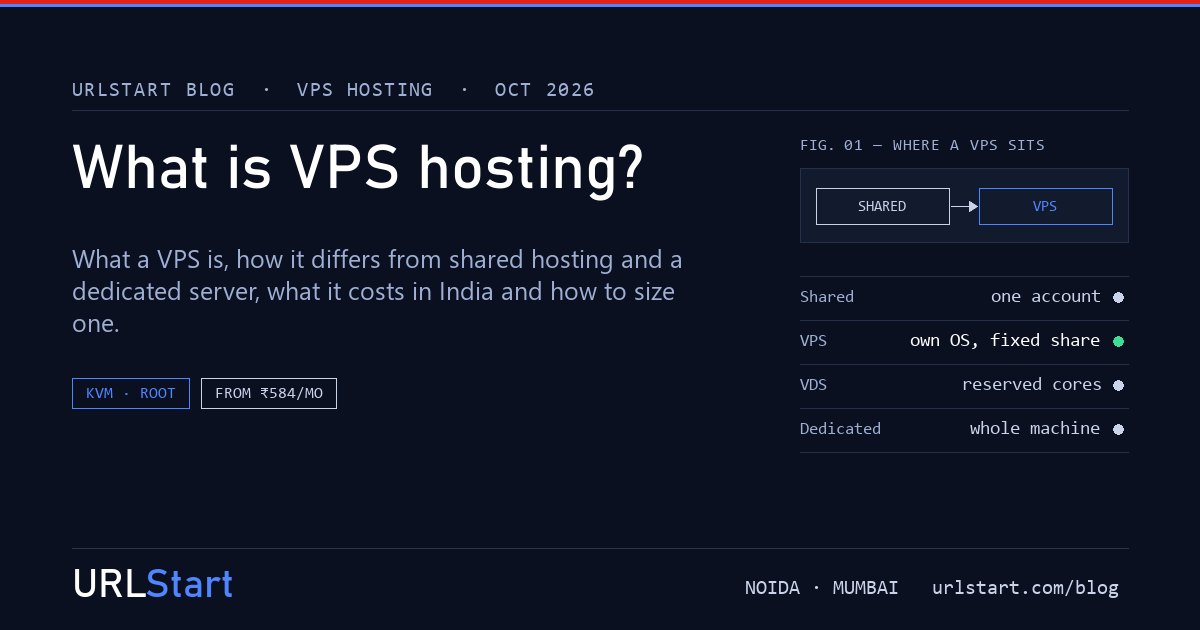
VPS vs dedicated server
Most askedA slice of a server or the whole machine. Price, cores, scaling, control and deploy time, line by line.
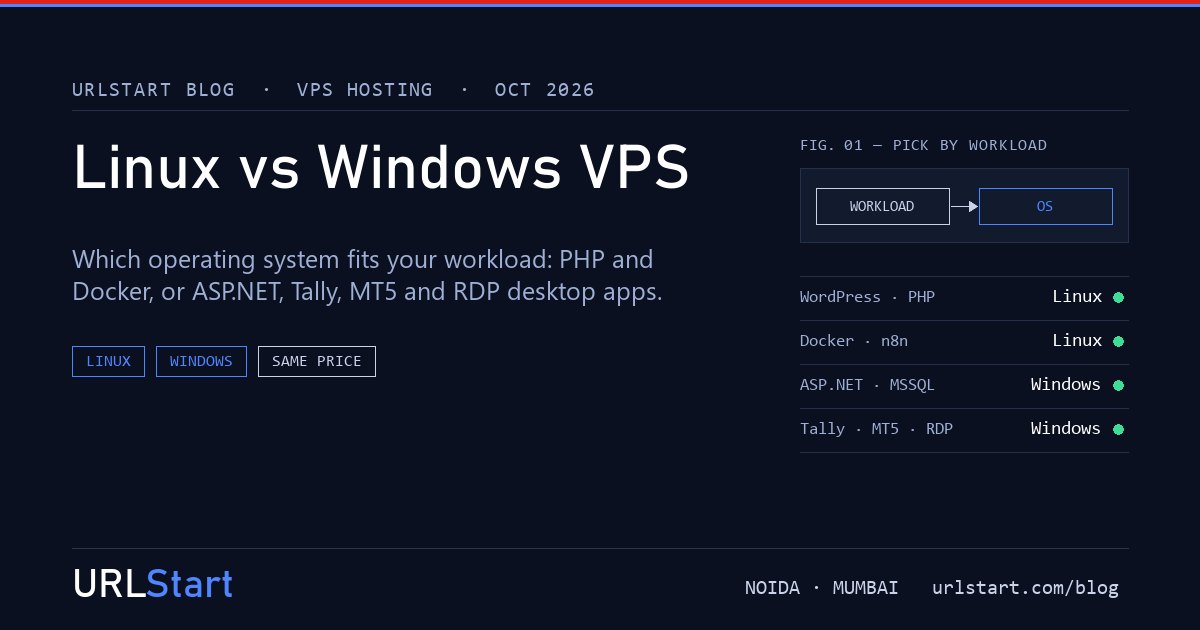
VDS vs VPS
What “dedicated vCPU on single-tenant hardware” actually changes, and when it is worth three times the price.
Tally on Cloud vs Tally on your PC
Same Tally, different place. Access, backups, multi-user and cost — including when the PC is enough.
Colocation vs dedicated server
Own the hardware or rent it. Capital versus monthly cost, hardware risk, and the ten-server line.
URLStart vs Hostinger
A low introductory price that renews higher and no listed India datacenter, against ₹584/mo that renews the same in Noida.
URLStart vs DigitalOcean
Bangalore cloud with a $4 Droplet and a great API, or a Noida server with 4 GB, Windows and DDoS included.
URLStart vs Contabo
The most RAM per euro on a 24-month term, against a Delhi NCR server with a 1 Gbps port and GST billing.
URLStart vs Hetzner
Europe’s best-value cloud has no India region. What the distance costs and what Noida gives back.
All four products on one table.
Start here if you do not know which comparison to read.
| Cloud VPS | VDS | Dedicated server | Colocation | |
|---|---|---|---|---|
| What it is | Reserved resources on a shared node | Dedicated vCPU + RAM, single-tenant | Whole physical machine | Your hardware in our cage |
| From | ₹584/mo | ₹1,799/mo | ₹9,999/mo | ₹5,999/mo |
| Live in | ~60 seconds | ≤ 90 minutes | Hours | When your hardware arrives |
| CPU | 2 – 10 vCPU | 2 – 16 dedicated vCPU | 28 – 56 physical cores | Yours |
| RAM | 4 – 64 GB | 8 – 64 GB | 64 – 512 GB | Yours |
| Resize | Instant | Hours | Hardware change | Buy hardware |
| Hardware risk | URLStart | URLStart | URLStart | You |
| Uptime SLA | 99.5% | 99.95% | 99.95% | 99.95% |
| DDoS protection | Included | Included | Included | Included |
| Datacenter | Tier IV · Noida, Delhi NCR | Tier IV · Noida, Delhi NCR | Tier IV · Noida, Delhi NCR | Tier IV · Noida, Delhi NCR |
If you only read one thing.
Under 64 GB and it may change
Cloud VPS. Resize when you know more.
Latency-sensitive, steady load, under 16 vCPU
VDS. Dedicated resources, 99.95% SLA, still fast to get.
One workload bigger than that, or your own hypervisor
Dedicated server. Or colocation if you already own the hardware.
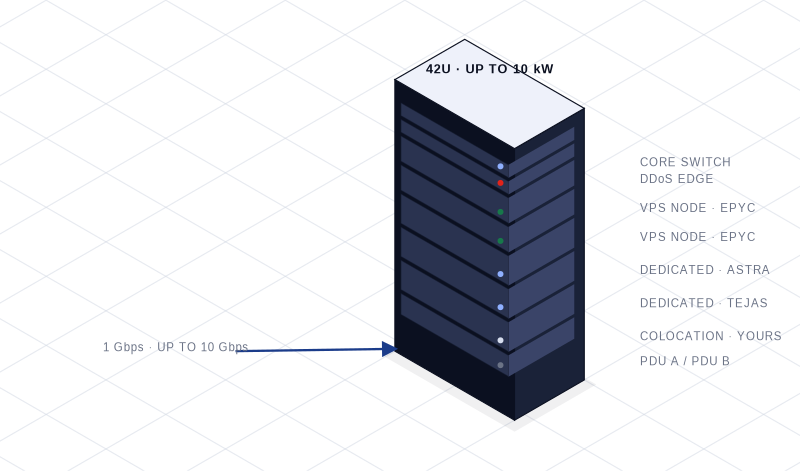
Whatever you pick, the infrastructure is the same.
One Tier IV datacenter in Noida, Delhi NCR, one DDoS-scrubbed edge, one 10 Gbps core, one support desk. The products differ in tenancy and size — not in where they run.
Frequently asked.
VPS, VDS, dedicated or colocation: what decides it.