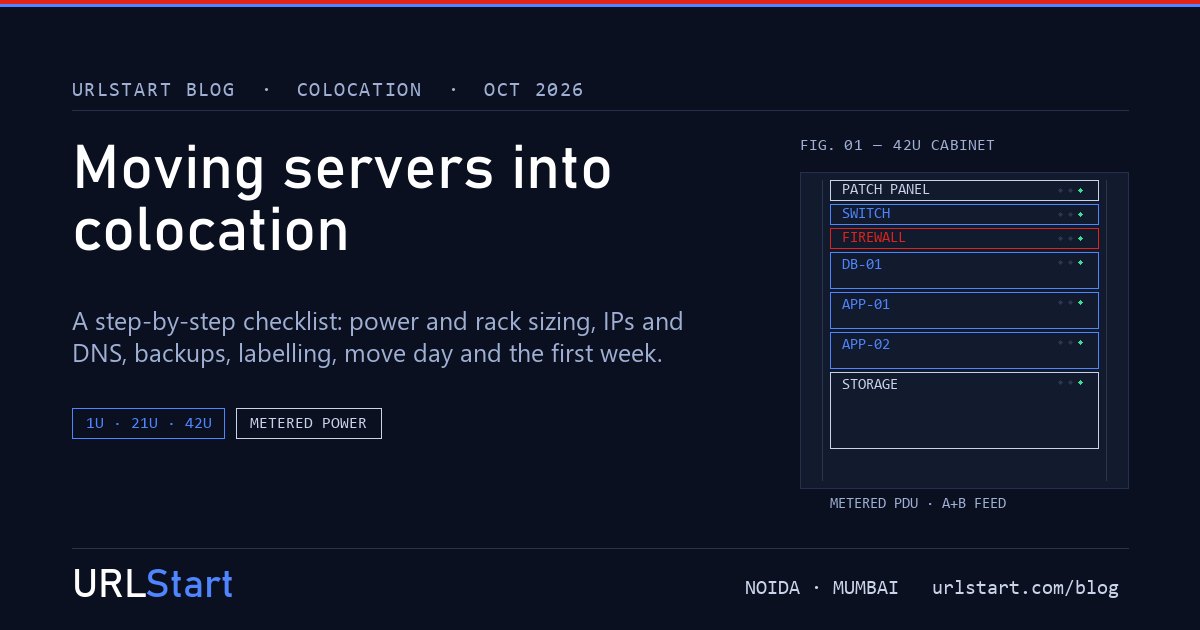
Moving servers out of an office or a server room and into a data center is mostly a planning job. The physical move takes an afternoon. The weeks before it decide whether that afternoon is boring or a disaster.
This is the checklist we would follow for our own hardware, in the order we would do it. It assumes you already know colocation is right for you. If you are still deciding, colocation vs dedicated vs cloud VPS compares the costs first.
1. List what is moving
Start with an inventory: every server, storage box, switch, firewall and appliance. For each one, write down:
- make, model and height in rack units (U)
- what it runs, and what depends on it
- how many power supplies it has, and whether it can run on one
- its network ports and current IP addresses
This list becomes your labelling sheet, your rack plan and your test plan. Most move-day problems come from a box nobody remembered was doing something important.
It is also the moment to retire hardware. A seven-year-old server that costs as much in power as a new one is often cheaper to replace than to move.
2. Measure your real power draw
In colocation, power is usually the biggest monthly cost after rack space, and often bigger. Don't guess it from the power supply's label. A server with an 800 W supply might draw 180 W in normal use.
Measure it instead. Most servers report live power draw in their management interface (IPMI, iDRAC or iLO), or you can use a metered power strip for a few days. Note both the normal draw and the peak at boot.
That number decides how much rack you need, more often than the number of servers does. It is also why metered power billing, where you pay for the kWh you actually use, usually works out cheaper than a flat allowance. Our colocation pricing guide breaks down the lines on a typical Indian colocation bill.
3. Choose rack space
With the inventory and power figures, pick the space:
- 1U or 2U: one or two servers.
- Half rack (21U): a small stack, typically servers, a switch and a firewall.
- Full rack (42U): a full environment, with room to grow.
Leave spare space. A rack that is full on day one means a second rack, or a second move, the first time you add a server. Ask your provider what the power limit per rack is, too. Dense racks can hit the power ceiling before they run out of space.
4. Plan the network and IP addresses
This is where most colocation moves get delayed, so start early.
- IP addresses. Your servers will almost certainly get new public IPs in the data center. Ask the provider for your allocation before the move, so you can prepare configurations in advance. If you own your own IP range, discuss announcing it with them now, not on move day.
- DNS. A few days before the move, lower the TTL on every DNS record that will change, to five minutes for example. On move day, the new addresses then spread in minutes instead of a day.
- Firewall rules and allow-lists. Anything that allows your old office IP, such as payment gateways, banks, partner APIs or your own VPN, needs the new address added in advance. Some of these take days to approve.
- Out-of-band access. Make sure every server's IPMI or iDRAC is set up and reachable before it leaves. In the data center, it is how you fix a server without a trip.
5. Back up, then back up somewhere else
Before anything is unplugged, take a full backup of every system. Keep it somewhere other than the hardware being moved, such as another server, cloud storage or a disk that travels separately.
Then test a restore of at least one important system. A backup nobody has restored is a hope, not a backup. Moves are when disks that have spun for years finally fail on the first cold start.
6. Label and photograph everything
On the last day before the move:
- Label every server front and back with its name from your inventory.
- Label both ends of every cable that matters.
- Photograph the back of the rack before you unplug anything.
- Note any disks that must go back in a particular bay, especially in RAID arrays.
It takes an hour, and it saves many more when you are rebuilding the cabling in a cold aisle.
7. Arrange access, shipping and racking
Ask your provider how the day works before you book it:
- Who is allowed into the facility, what ID they need, and how far ahead names must be registered.
- Whether you can ship hardware in advance, and who receives it.
- Whether their team racks the equipment for you, or you rack it yourself.
- What rails, cage nuts and power cables you need to bring.
Pack servers in their original boxes if you still have them, or in proper padded cases. Remove or secure heavy drives if the manufacturer advises it.
8. Move day
Pick your quietest hours. Then:
- Announce the maintenance window to your users.
- Shut systems down cleanly, in reverse order of dependency: applications first, databases and storage last.
- Rack, cable and power up in dependency order: network, then storage, then databases, then applications.
- Check every server's IPMI, then its OS, then its services, against your inventory list.
- Switch DNS to the new IPs.
If you can, move one system at a time over several nights instead of everything at once. A problem on one system is then just that, rather than a problem with all of them at the same time.
9. The first week after the move
- Watch monitoring and logs closely. Cold starts reveal failing disks and fans.
- Keep the old location's internet connection and power for a few days, in case you need to move something back.
- Confirm backups now run from the new location, to a destination that isn't in the same rack.
- Put the provider's remote-hands and support contacts somewhere your whole team can find them.
The checklist on one page
- Inventory every device: model, U, power supplies, ports, IPs, dependencies.
- Measure real power draw, normal and peak.
- Choose rack space with room to grow, within the rack's power limit.
- Get new IPs, lower DNS TTLs, and update allow-lists early.
- Set up IPMI or iDRAC on every server.
- Back up everything off the hardware, and test a restore.
- Label and photograph everything.
- Confirm access, shipping and racking arrangements.
- Move in quiet hours, one system at a time if you can.
- Watch the first week closely, then retire the old site.
Colocation with URLStart
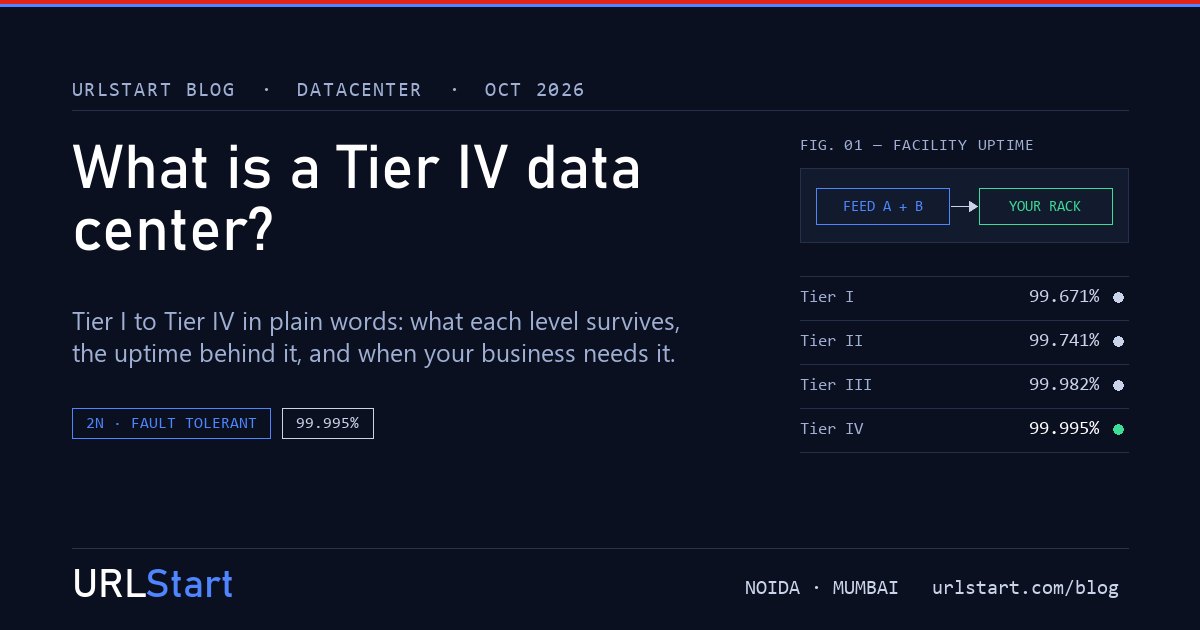
Our colocation is in our Tier IV datacenter in Noida, Delhi NCR: 1U and 2U slots, 21U half racks and 42U full racks in our cage, with metered power billing, up to 10 kW per rack, and IP addresses on request. Remote hands are available around the clock for the jobs IPMI can't do, like swapping a disk, and free migration from your current provider is included. Each rack is quoted to your hardware and power draw, so send us your inventory list and we will size it with you.