Everything is a round trip
When your browser asks a server for a page, the request goes out and the answer comes back. That loop is latency, in milliseconds. One loop is nothing. The trouble is that almost nothing on the modern web is one loop.
A normal page load is a DNS lookup, a TCP handshake, a TLS handshake, the HTML, and then thirty to a hundred more requests for scripts, styles, images and fonts, several of which have to wait for each other. Each dependency is another loop. A remote desktop sends a loop for every keystroke and mouse movement. An app server in one city talking to a database in another pays a loop per query, and a page might run fifty of them.
Multiply a small number by all of that and the gap between a server in the same metro and one across the country is the gap between a site that feels instant and one that feels slightly tired, without anything in the code being wrong.
Physics sets the floor
Light in fibre moves at about two-thirds of its speed in a vacuum, roughly 200 km per millisecond. Fibre follows roads and railways rather than straight lines, so cable distance is longer than map distance, and every piece of equipment along the way adds a little. A server a few kilometres away can be reached in a millisecond or two. One across the country or across the sea cannot, however good the network. A good network gets close to the floor with direct peering and short routes; nothing gets under it.
I am not printing millisecond figures from Delhi to Mumbai or Singapore here, because yours will depend on your ISP, your office connection and the time of day. Measure it; it takes ten minutes.
Measuring it
Ask each candidate provider for a test IP. We give one on request, and so does any provider with nothing to hide.
From a wired machine in the office, run ping -n 20 <ip> on Windows or ping -c 20 <ip> on Linux or macOS, and note the average and the worst reading.
Run tracert <ip> on Windows or traceroute <ip> elsewhere. Count the hops and look for the one where the time jumps; that is where your packets leave the metro, the country, or a well-peered network.
Do it again at 11 a.m. and 9 p.m. Routes and congestion change through the day.
For a remote desktop or Tally workload, connect to a trial server over RDP and type. You will feel it before you can measure it.
What it means for each kind of work
A website for Indian readers: a lower, steadier round trip makes every page faster for every visitor without touching the code, most of all on first visits and on mobile. Remote desktop, Tally, RDP: this is the entire experience; a desktop a few milliseconds away feels local, one across the sea feels like typing through treacle. Trading terminals: steadiness beats the minimum, and there is a separate piece for traders. APIs with a database somewhere else: put the database and the app in the same building; cross-city database calls are the most common self-inflicted latency problem we see on support. Backups and batch jobs: latency hardly matters, bandwidth does.
Where our hardware is, and why we say so
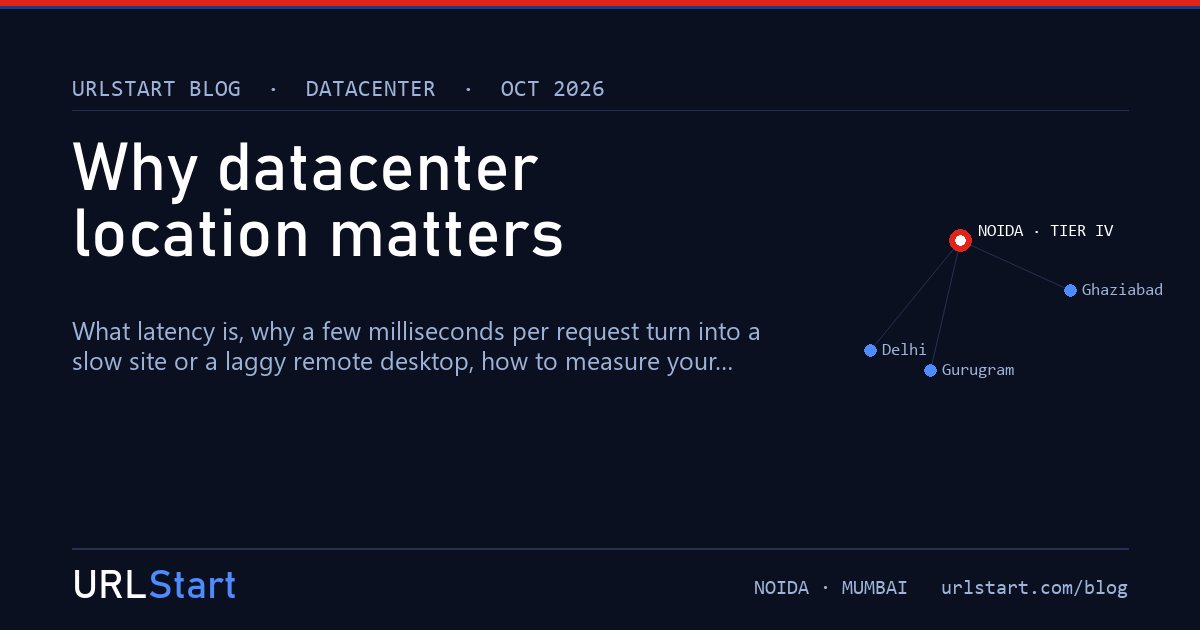
URLStart runs servers in two places: a Tier IV datacenter in Noida, Delhi NCR, and a datacenter in Mumbai, both on our own network with direct peering onto the national backbone. For a business in Noida, Delhi, Gurugram, Ghaziabad or Faridabad the Noida round trip is single-digit milliseconds; for Mumbai, Pune and the west, the Mumbai site is the one to pick. Either way we will give you a test IP to confirm it from your own desk, and for businesses elsewhere in India the route is short and steady over the peered backbone.
A provider that only says "India" without naming the city, or that will not hand over a test IP, is asking you to take latency on trust. You do not have to; we name both cities and hand out the IPs.
Questions we get asked
Is Noida close enough for Gurugram? Yes. Single-digit milliseconds across Delhi NCR; the test IP will show it. Mumbai and Pune should pick the Mumbai site.
Should I use a CDN instead? A CDN speeds up static files for readers everywhere and is worth having alongside a well-placed origin. It does nothing for RDP, Tally, databases or logged-in users.
Does the ISP matter? Yes. Two offices on different ISPs in the same building can take different routes. Test from the connection you will actually use.
Why not a datacenter in every city? Because two well-run sites with latency you can verify beat a list of cities nobody can check. We name Noida and Mumbai and give you the tools to test both.
What does the latency check tool measure? The round trip from your device to our web host, in the browser. For the datacenter figure, ask support for a test IP inside the facility.